
Business · 6 min read
The Website Lifecycle: When to Redesign, Refresh, or Leave It Alone
Not every site needs a redesign. Here's the website lifecycle, the difference between a refresh and a rebuild, and how to decide with data.

Share

Key takeaways
- Not every website needs a redesign; some need a refresh, and some are best left alone while content and SEO improve.
- New sites in years 0 to 2 need time to build SEO traction, content, and user data before any major change.
- Sites in years 2 to 4 usually gain more from targeted optimization than from a full redesign.
- A full redesign is warranted when the platform, architecture, performance, or security can no longer be fixed.
- Decide with data on speed, search visibility, and conversion, not on gut feeling.
Not every website needs a redesign. That is an uncomfortable thing for a web design studio to say, but it is the honest starting point for any conversation about changing your site. Sometimes a full redesign is the right move. Sometimes a targeted refresh reaches the same goal at a fraction of the cost. And sometimes the smartest decision is to leave the site alone and put the money into content, SEO, or marketing instead.
Knowing where your website sits in its lifecycle is what lets you make the right call at the right time: investing when it matters, and saving when it does not.
What is the website lifecycle?
The website lifecycle is the predictable arc a site moves through from launch to replacement, usually across three phases. Treating it as a lifecycle, rather than reacting to whoever last complained about the site, keeps your spending aligned with what the business actually needs.
In the growth phase, roughly years 0 to 2, a new site needs time to mature. SEO traction takes three to twelve months to build, content has to accumulate, and you need real user data before you optimize. The worst move here is a redesign, because you have not given the current site a fair chance to prove itself. Focus instead on content, SEO, and conversion improvements on the design you have.
In the optimization phase, roughly years 2 to 4, you finally have traffic, conversion, and behavior data, so you know what is working. This is the time for targeted improvements: refreshing underperforming pages, updating the design of key conversion pages, and addressing early signs of aging. A full redesign here is usually premature, since focused optimization delivers better return.
In the replacement phase, roughly years 4 to 6 and beyond, the technology, design patterns, and architecture eventually become genuinely outdated. The CMS falls out of support, the design looks dated despite refreshes, and performance cannot improve without structural change. At that point a redesign is not optional but a business necessity, because the site has reached the end of its useful life.
What is the difference between a website refresh and a redesign?
A refresh updates the surface while keeping the underlying technology and structure, where a redesign replaces the whole thing. That distinction is the single most useful one to get right, because choosing wrong wastes money or fails to fix the actual problem.
| Refresh | Redesign | |
|---|---|---|
| What changes | Colors, type, imagery, component styling, content | Tech stack, information architecture, design system, content strategy |
| What stays | The platform, structure, and core technology | Little; the site is rebuilt |
| Relative cost | Roughly 30-50% of a full redesign | Full project cost |
| Typical timeline | Around 2-4 weeks | Months |
| Risk | Lower | Higher |
In Philippine peso terms, a refresh might land in the ₱15,000 to ₱50,000 ($270 to $900) range, while a full custom redesign more commonly runs ₱150,000 to ₱350,000 ($2,700 to $6,300) depending on scope. Those are starting points, not quotes; the right figure depends entirely on what your site actually needs. For a fuller breakdown, see our guide to web design cost in the Philippines.
What are the signs you need a full redesign?
You need a full redesign when the problem is structural rather than cosmetic, and no amount of restyling will fix it. The clear signals are when your CMS or platform is no longer supported or maintainable, when the site is not genuinely responsive (built on a responsive framework, not merely "mobile-friendly"), when page speed is poor and cannot be improved through optimization alone, when the architecture no longer fits the business because you have added services, markets, or products it was never designed for, or when platform security holes cannot be patched.
If any of these describe your site, a refresh only puts fresh paint on a failing foundation. The underlying technology or structure is the problem, and only a rebuild addresses it.
When is a website refresh enough?
A refresh is enough when the technology and structure are sound and the problems are cosmetic or content-related. That is the case when the platform works well but the design simply looks dated, when content is out of date but the structure is fine, when you are changing branding such as a new logo or colors without changing functionality, when conversion rates have plateaued but the underlying UX is solid, or when you need to add a few pages without restructuring the whole site.
In these situations a redesign would be overkill: you would spend redesign money and take on redesign risk to solve a problem a refresh already handles. Match the intervention to the actual issue.
How should you decide between redesign, refresh, or doing nothing?
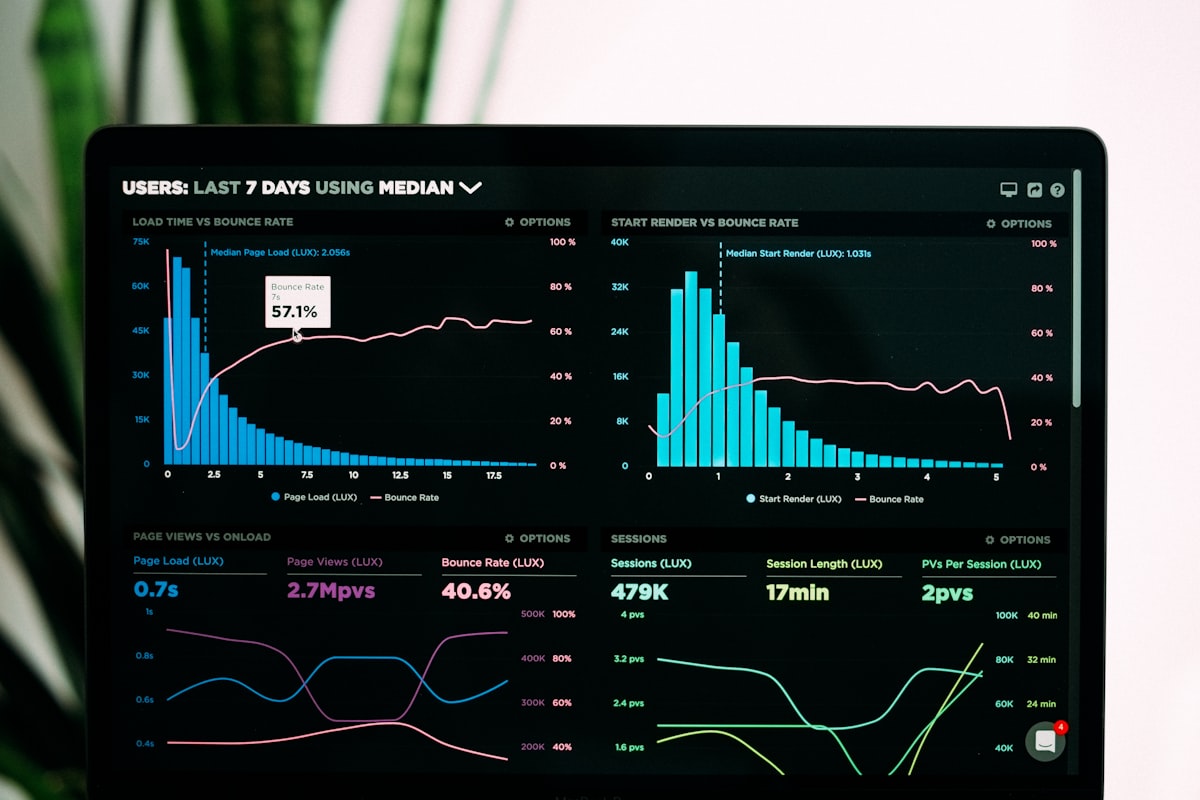
Decide with data, not gut feeling. Start by auditing three things: performance (speed and Core Web Vitals), search visibility (rankings and organic traffic trends), and conversion (bounce rate by page, conversion rate, and funnel analysis). The data points to the answer.
If the problems are mainly content and design, refresh. If they are structural, technical, or architectural, redesign. If neither is urgent, the smartest move may be to invest elsewhere entirely, such as content marketing or SEO. When you are genuinely unsure, a competitive analysis often settles it by revealing whether your competitors have moved to technology and design standards a refresh simply cannot match.

The right decision saves money, lowers risk, and produces the best business outcome. Sometimes that is a refresh instead of a redesign. Sometimes it is neither, with the budget going to content instead. A good partner tells you what you actually need rather than what bills the most. If you want an honest read on which path fits your site, book a call and we will look at the data with you. For more on choosing the right kind of partner, see our guide to web design agencies in the Philippines.
Related service
Web design services in the PhilippinesFrequently asked questions
When should a new website be redesigned?
Usually not in its first 0 to 2 years. A new site needs time to build SEO traction, accumulate content, and collect user data before a major redesign is justified.
What is the difference between a website refresh and a redesign?
A refresh updates visuals, content, and component styling while keeping the same structure and technology. A redesign replaces the whole site, including the tech stack, information architecture, and content strategy.
What are the signs you need a full redesign?
When the CMS is unsupported, the site is not genuinely responsive, speed cannot be fixed through optimization, the architecture no longer fits the business, or security issues cannot be patched.
When is a website refresh enough?
When the technology and structure are sound and the issues are cosmetic or content-related: dated design, outdated content, a branding change, plateaued conversions, or adding a few pages without restructuring.
How should you decide between redesign, refresh, or doing nothing?
Audit performance, search visibility, and conversion. If problems are content or design, refresh. If they are structural or technical, redesign. If neither is urgent, invest in content or SEO instead.
How much does a refresh or redesign cost in the Philippines?
A refresh might run roughly ₱15,000 to ₱50,000, while a full custom redesign more commonly runs ₱150,000 to ₱350,000 depending on scope. These are starting points, not fixed quotes.
Time for
a redesign?
Let's turn your outdated site into one that works as hard as you do.
Start your redesignPillar guideBusiness · Feb 14
Website Redesign vs. New Build: How to Know Which One You Actually Need
Resources · Feb 19
How to Plan a Website Redesign Without Losing Your Search Rankings
Business · Feb 16
7 Signs Your Business Has Outgrown Its Website (And What to Do Next)
Business · Feb 14